Music
Music App
Your music, beautifully organized.
A calm, fast way to keep your whole library in order.

Why Music App
Music apps got noisy. This one did not.
Most players bury the music under recommendations, feeds and menus. Music App keeps the library tidy and the player simple, so pressing play is the fastest thing you do.
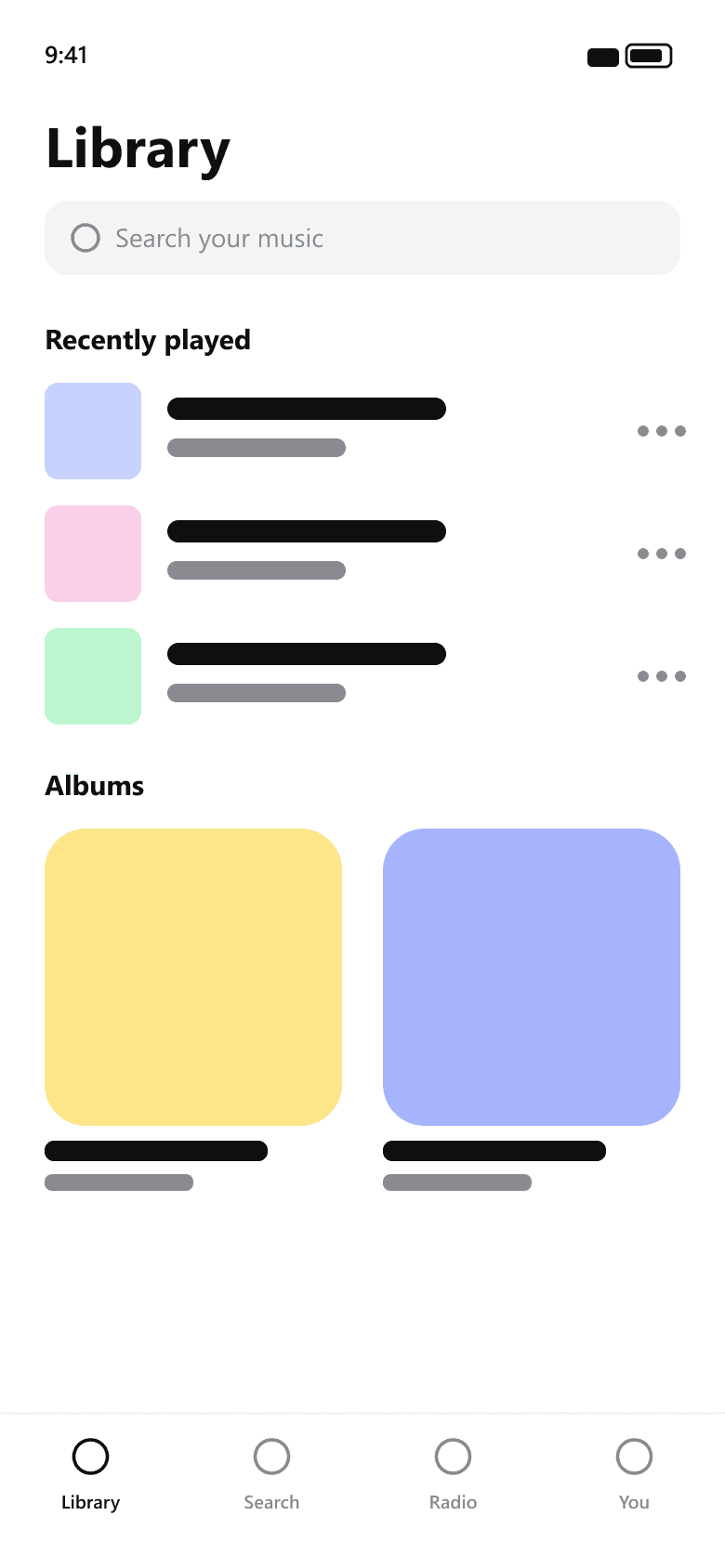
Library
Everything you love, finally in order.
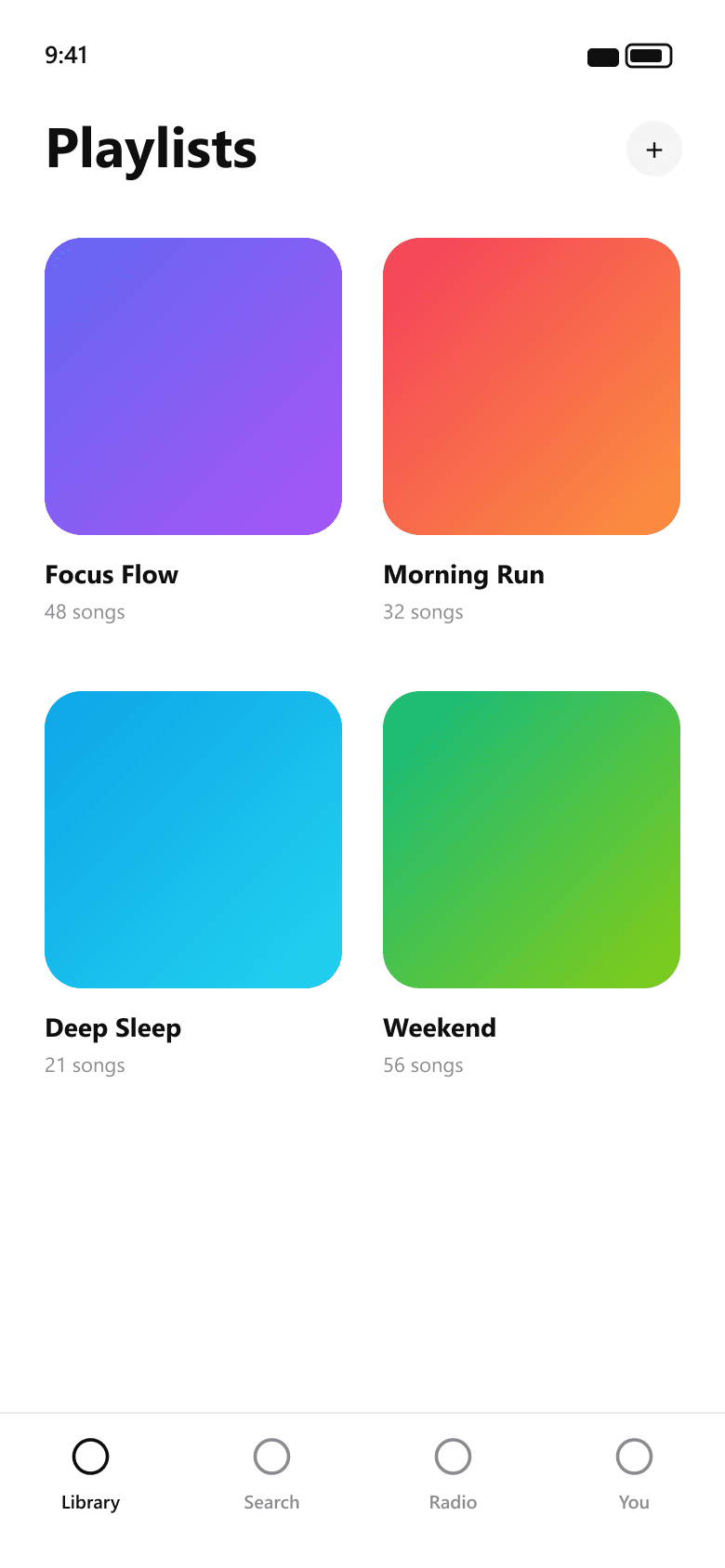
Albums, artists and playlists are sorted automatically as you add music, so you spend less time digging through clutter.
Offline
Your music goes where you go.
Download anything you choose and keep it available with no connection — on the plane, the subway or the trail.
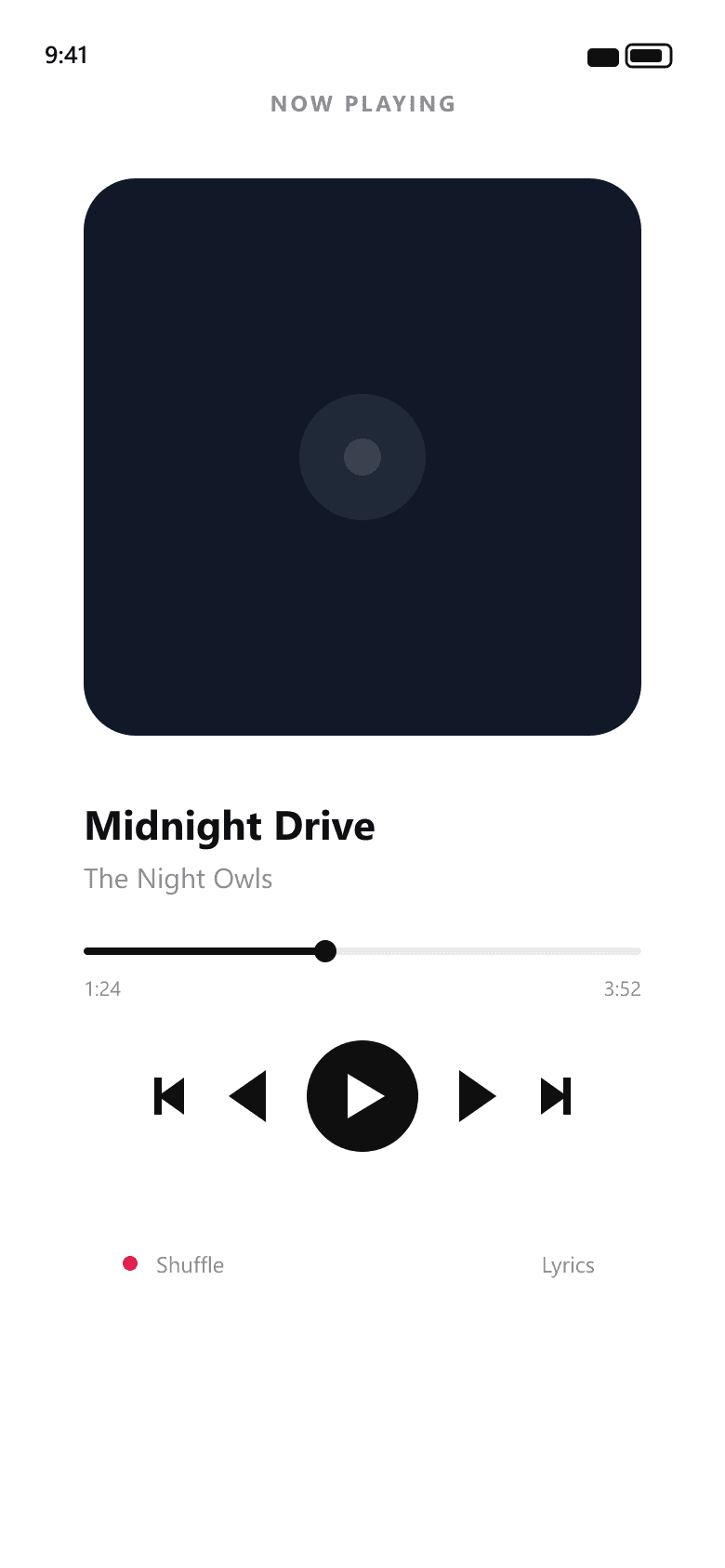
Player
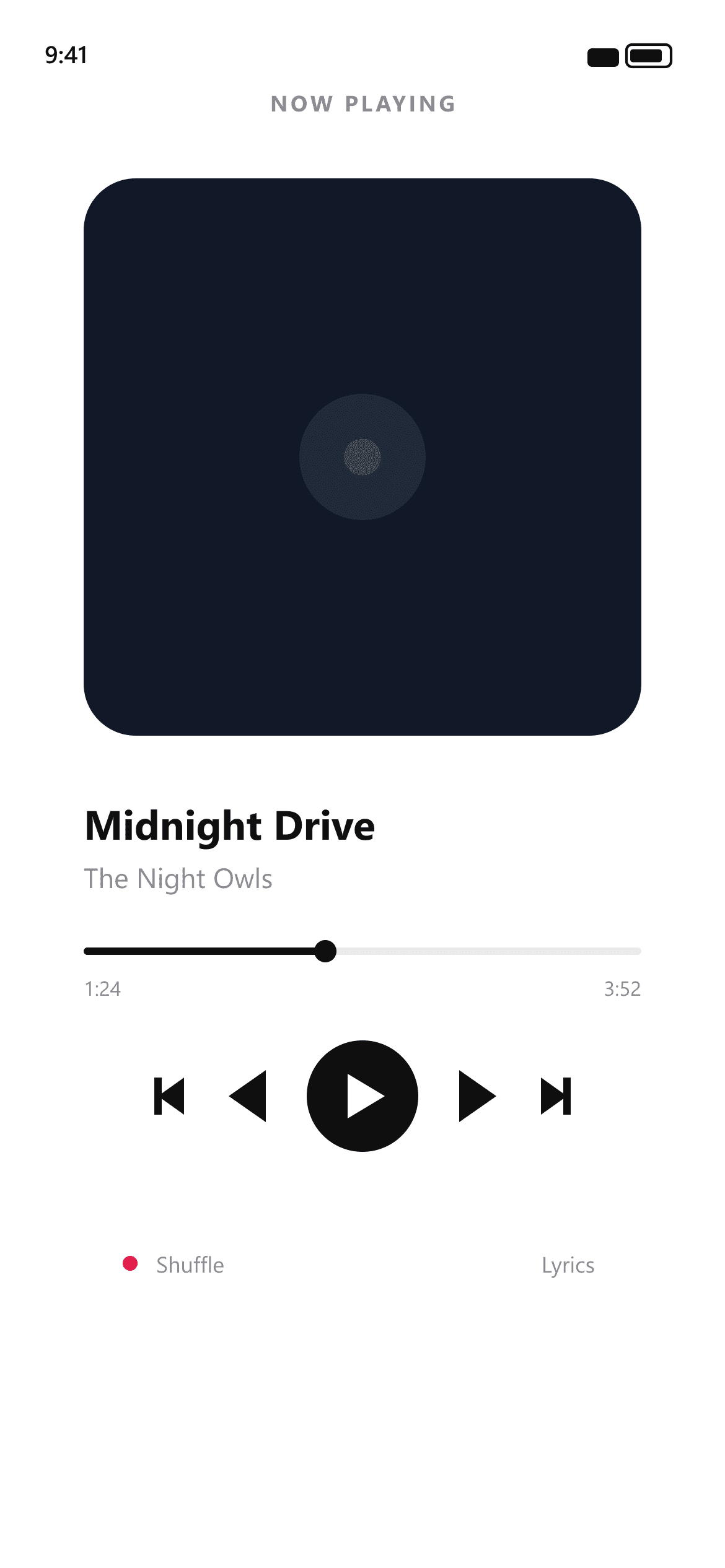
Press play, then stay out of the way.
A focused, full-screen player built around the controls that matter and nothing you do not need.
Screenshots
Every screen, straight from the app.
Details
Smart library
Albums, artists and playlists sorted automatically as you add music.
Offline mode
Download anything for the plane, the subway or the trail.
Simple player
A clean, full-screen player with nothing you do not need.
Fast search
Find any track in a couple of keystrokes.
About Music App
Music App brings every track, album and playlist into one tidy place. Smart auto-sorting keeps things neat, offline mode keeps things playing, and a distraction-free player keeps things simple. Built for people who just want to press play.
How Music App handles your data
Your library stays on your device. Sync and downloads are opt-in, and nothing is used for advertising.
Frequently asked
Yes. The core app is free with an optional Pro upgrade for unlimited offline downloads.
MP3, AAC, ALAC, FLAC and WAV.
Yes — anything you download is available with no connection.
Get Music App
Your music, beautifully organized.